 PATROL
How to Inspect a Used Nissan Patrol’s Interior Electronics and Infotainment for Hidden Faults
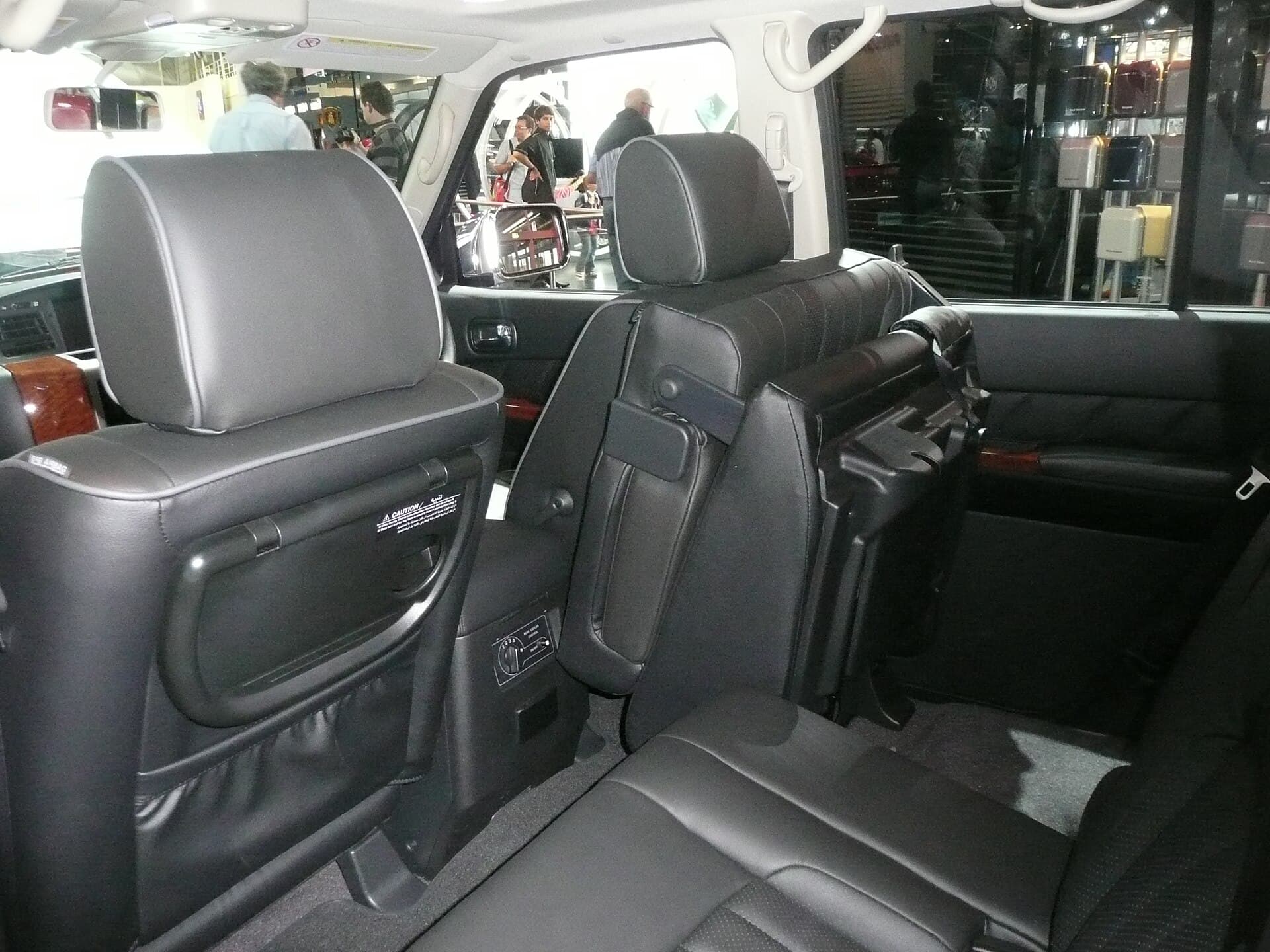
Why the electronics matter
Even a well‑maintained Patrol can hide electrical gremlins that surface only after miles of hard use. Faulty wiring, corroded connectors or a failing infotainment unit can lead to costly repairs, especially on models that rely on electronic stability control, cruise control and advanced climate systems.
What should I look at when I open the cabin?
- Dashboard cluster: Check that each gauge lights up cleanly, no flickering or dead segments. Turn the key to accessory and then to on – the instrument panel should illuminate instantly.
- Switches and buttons: Press every button on the centre console, steering wheel and door panels. Pay attention to any dead spots or inconsistent feedback. A sticky or unresponsive switch often means a worn contact or a cracked housing.
- Lighting: Verify interior dome lights, map lights, footwell illumination and reading lights. Look for dimming, intermittent operation or a burnt smell that can indicate a short.
- Wiring harnesses: Follow the visible harnesses from the dash to the ECU and infotainment box. Look for frayed sleeves, cracked insulation or signs of rodent damage. Even a small abrasion can cause intermittent loss of power.
Testing the infotainment system
The Patrol’s infotainment can range from a basic CD player to a full‑touchscreen navigation unit. Here’s how to probe it without specialist tools:
1. Power‑up test – Turn the ignition on and watch the boot sequence. Any boot loops, error messages or prolonged black screens are red flags.
2. Audio check – Play a CD, radio station and a Bluetooth source. Verify that all speakers produce clear sound and that the balance/fader controls work.
3. Touch response – Tap every corner of the screen, swipe between menus and test the responsiveness of the rotary knob (if equipped). A lagging screen often points to a failing digitiser.
4. Connectivity – Pair a phone via Bluetooth, plug a USB drive and test the rear‑view camera activation. Ensure that the vehicle’s reverse gear triggers the camera without delay.
5. Navigation data – If the unit includes GPS, confirm that it acquires a signal quickly and that the maps are up to date. Stale maps can be a sign of a neglected software update.
Spotting hidden wiring issues
Even when everything looks fine on the surface, hidden faults can lurk behind panels:
- Ground straps: Locate the ground strap that runs from the chassis to the dash. A loose or corroded strap can cause intermittent flickering of lights or loss of infotainment power.
- Fuse box inspection: Open the fuse box and examine each fuse for corrosion, blown blades or discoloration. Replace any suspect fuse and re‑test the associated circuit.
- ECU connectors: The main ECU sits under the dashboard. Gently wiggle each connector; a solid click should be felt. Any looseness can lead to engine‑management warnings that appear later.
- Climate control module: This module often shares a harness with the infotainment unit. Test the AC, fan speeds and temperature settings. Inconsistent airflow can be a symptom of a failing module or a shorted wire.
Common pitfalls and how to avoid them
- Assuming a clean screen means a healthy unit – Scratches or dead pixels are obvious, but internal solder cracks can cause the screen to fail after a few months. A functional test under varied temperatures (cold start, warm engine) reveals hidden problems.
- Ignoring the rear‑camera wiring – The camera’s power line runs through the rear bumper. Check the connector for moisture or corrosion, especially on models that have been driven in salty environments.
- Overlooking software updates – Some later‑year Patrols receive infotainment firmware updates that fix connectivity bugs. Ask the seller if the unit has been updated; a simple USB flash drive can sometimes resolve persistent glitches.
- Relying solely on the seller’s word – Request a short drive while you observe the dash. Pay attention to warning lights, sensor readouts and any sudden loss of audio or navigation.
Where Patrolmania fits in
Patrolmania carries OEM‑spec headlamps, wiring harness kits and genuine infotainment units for all Patrol generations. If you find a fault during your inspection, we can source the exact part you need – be it a replacement connector, a new alternator or a refurbished touchscreen – and ship it worldwide. Drop us a line and we’ll match the part to your chassis number, so you’re never left guessing.
---
FAQ
Q: How often should I replace the infotainment unit’s firmware?
A: Check the manufacturer’s bulletin for your model year. If an update is listed, apply it before you sell or trade the vehicle.
Q: Can a faulty alternator affect interior electronics?
A: Yes. A weak alternator can cause voltage drops that make lights dim and the infotainment reboot. Test the charging voltage with a multimeter at idle and under load.
Q: What’s the best way to test the climate control sensors?
A: Set the temperature to the coldest and hottest settings while the engine runs. Verify that the cabin temperature sensor reads changes on the dash and that the fan speeds respond smoothly.
Common questions
Keep reading
Send us your chassis and engine — we check it against a real donor Patrol before anything ships.
Browse Patrol parts →Questions & comments
Ask about your Patrol — questions get an instant answer from our verified data. If we can't verify it, we say so.